ECDIS Core Functionalities
Chart Control
About
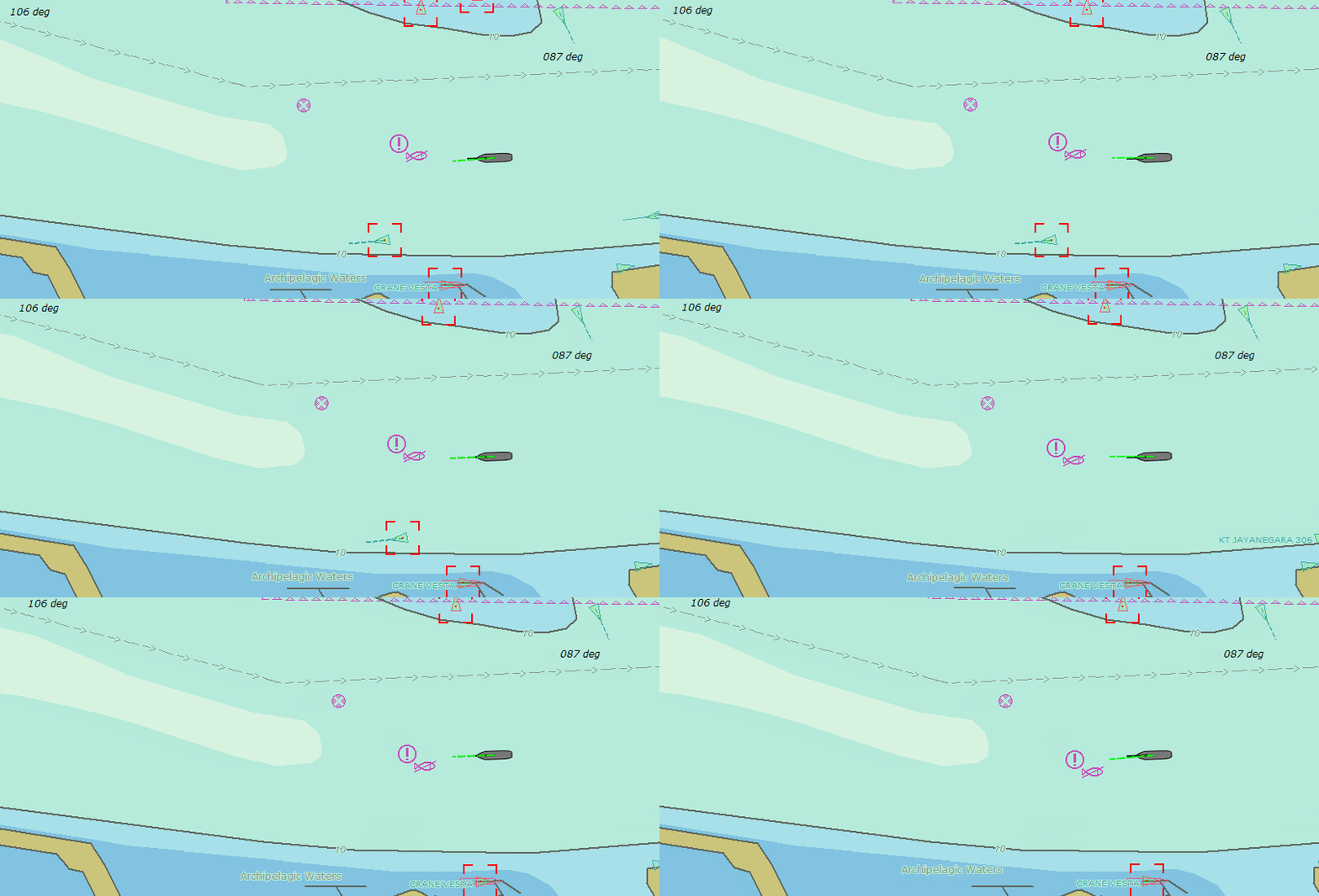
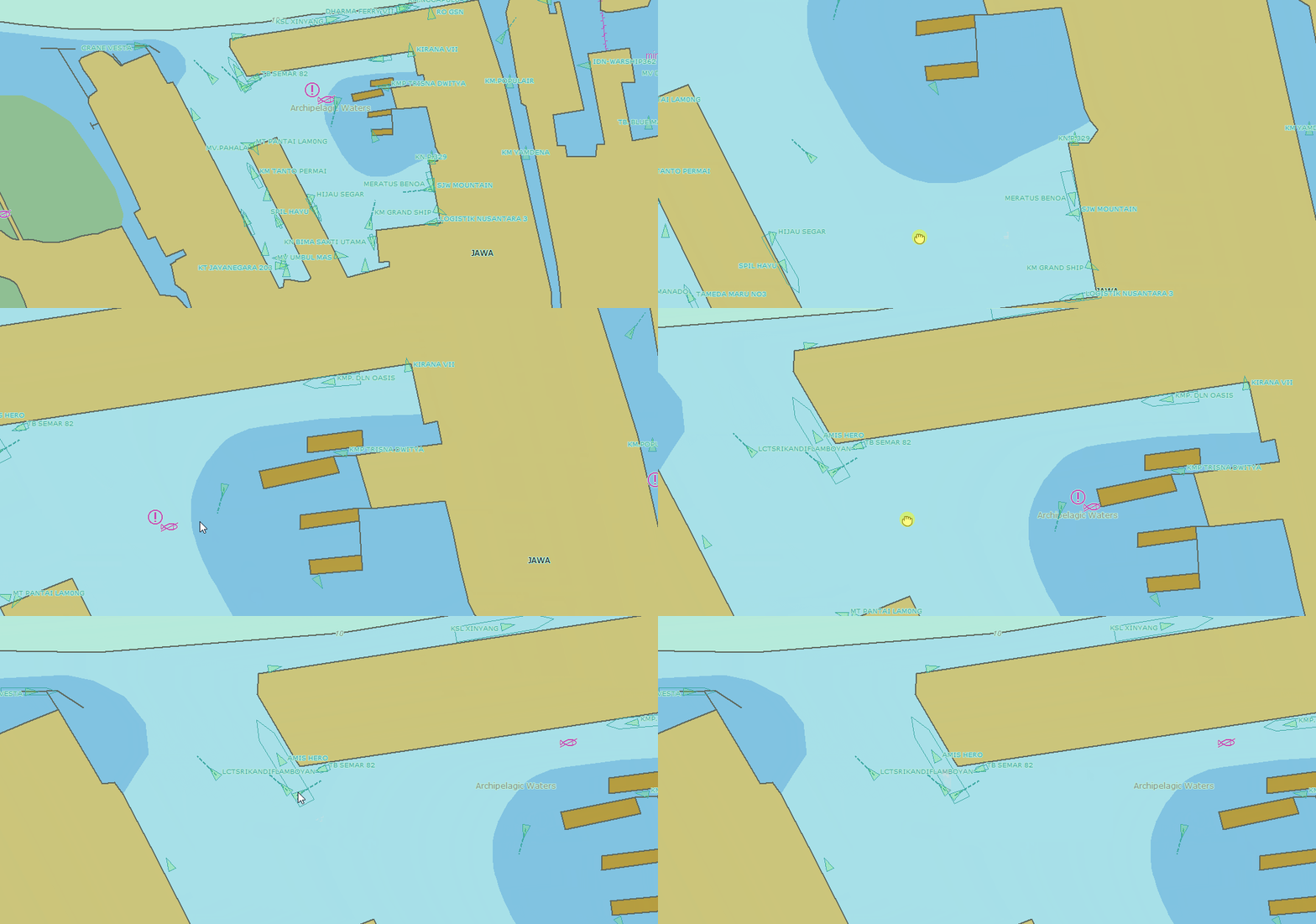
Quickly adjust the chart view with simple zooming, panning, and rotating chart.
Sample Code
EcWidget::mouseEvent(QPoint point){
EcCoordinate lat, lon;
if (XyToLatLon(e->x(), e->y(), lat, lon)) {
emit mouseMove(lat, lon);
}
}
Ownship Centerd
About
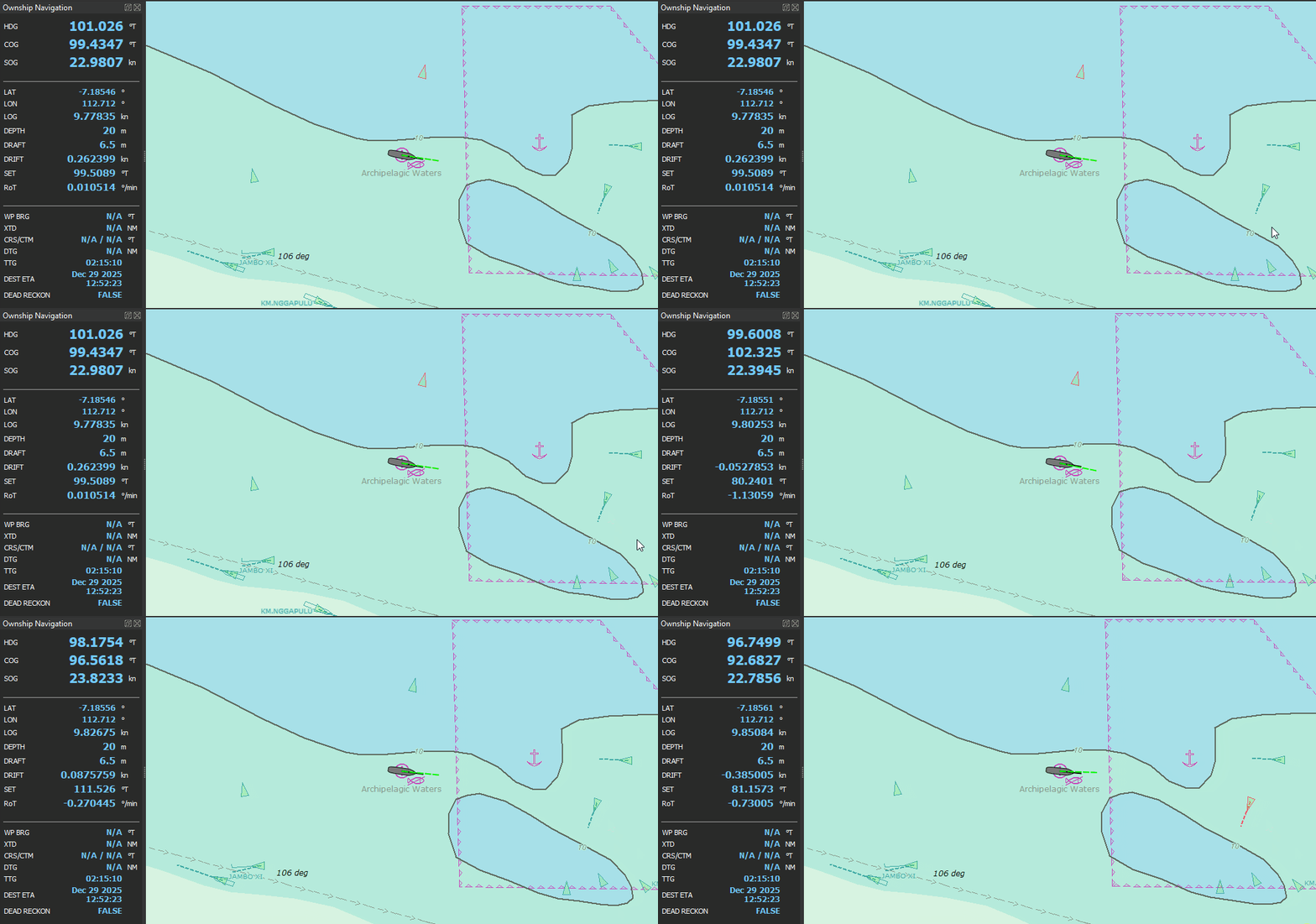
Keep your vessel fixed at the center of the display, providing a stable and intuitive view for continuous situational awareness.
Sample Code
Ownship::onCentered(bool checked){
if (centering == Centered){
SetCenter(lat, lon);
}
}
Ownship Look-Ahead
About
Keep your vessel in focus while shifting the view forward in the direction of travel, providing more visibility ahead for safer navigation and better route planning.
Sample Code
Look-Ahead Mode:
Ownship::onLookAhead(bool checked){
if (centering == LookAhead){
double offsetNM = GetRange(currentScale) * 0.5;
double headingRad = head * M_PI / 180.0;
double centerLat = lat + offsetLat;
double centerLon = lon + offsetLon;
SetCenter(centerLat, centerLon);
}
}
Head-Up Orientation
About
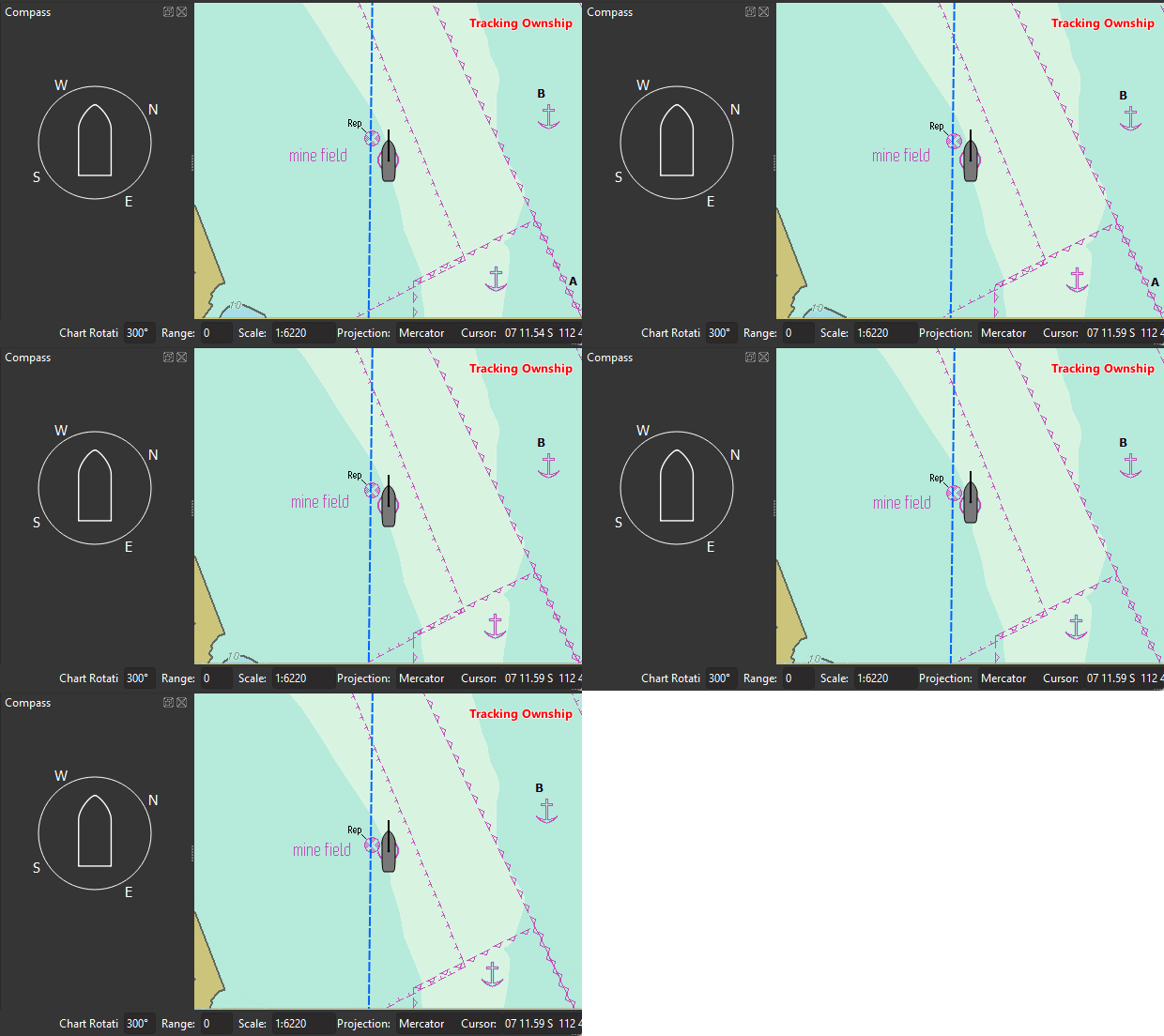
Head-Up Orientation is an ECDIS mode that keeps the ship’s heading at the top of the display.
Sample Code
Head-Up Mode:
Ownship::onHeadUp(bool checked){
if (orientation == HeadUp){
SetHeading(head);
mainWindow->oriEditSetText(head);
if (mainWindow){
mainWindow->setCompassHeading(0);
mainWindow->setCompassRotation(head);
}
}
North-Up Orientation
About
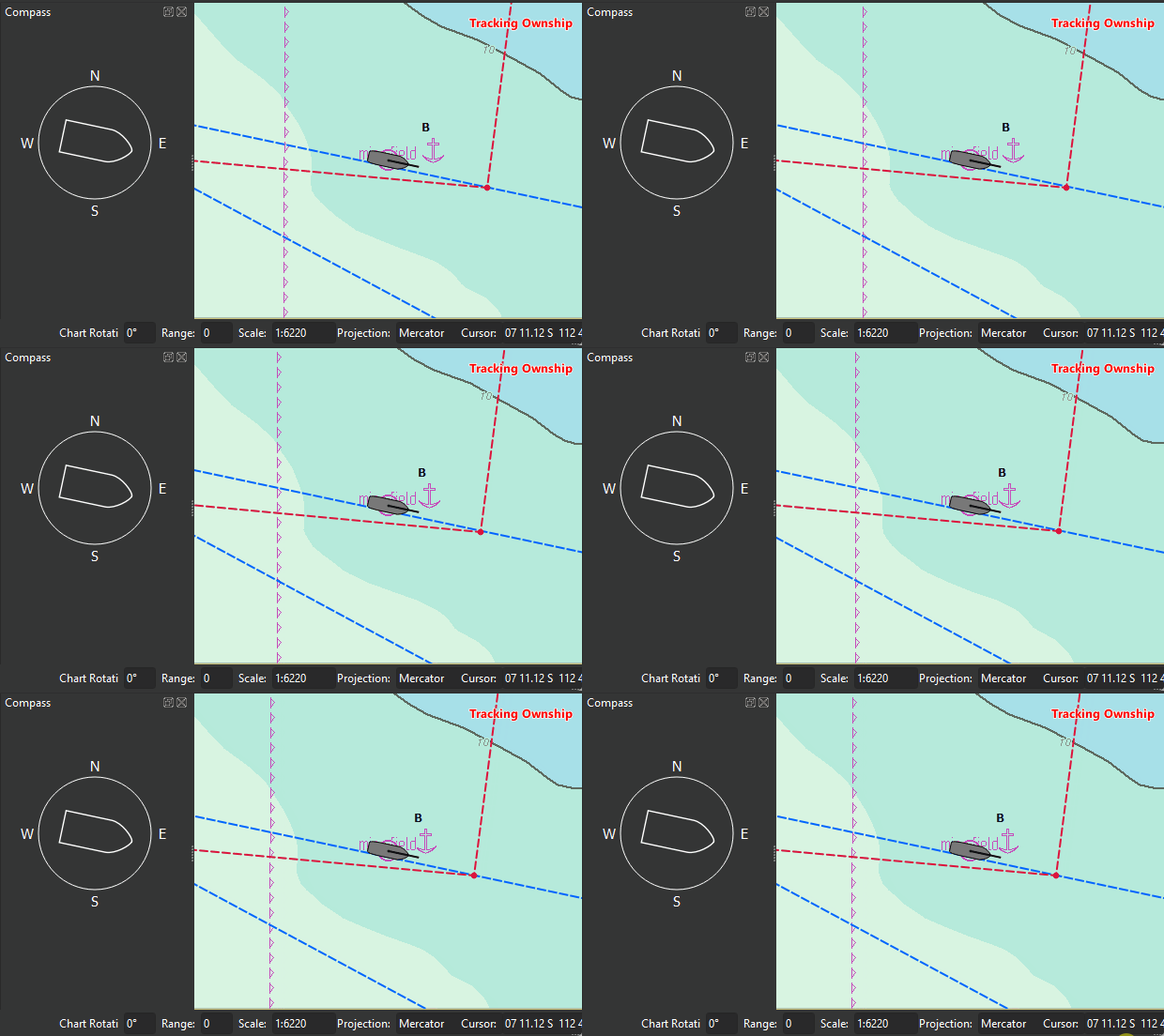
North-Up Orientation is an ECDIS mode that keeps true north fixed at the top of the display.
Sample Code
North-Up Mode:
Ownship::onNorthUp(bool checked){
SetHeading(0);
mainWindow->oriEditSetText(0);
if (mainWindow){
mainWindow->setCompassRotation(0);
}
}
Create Area
About
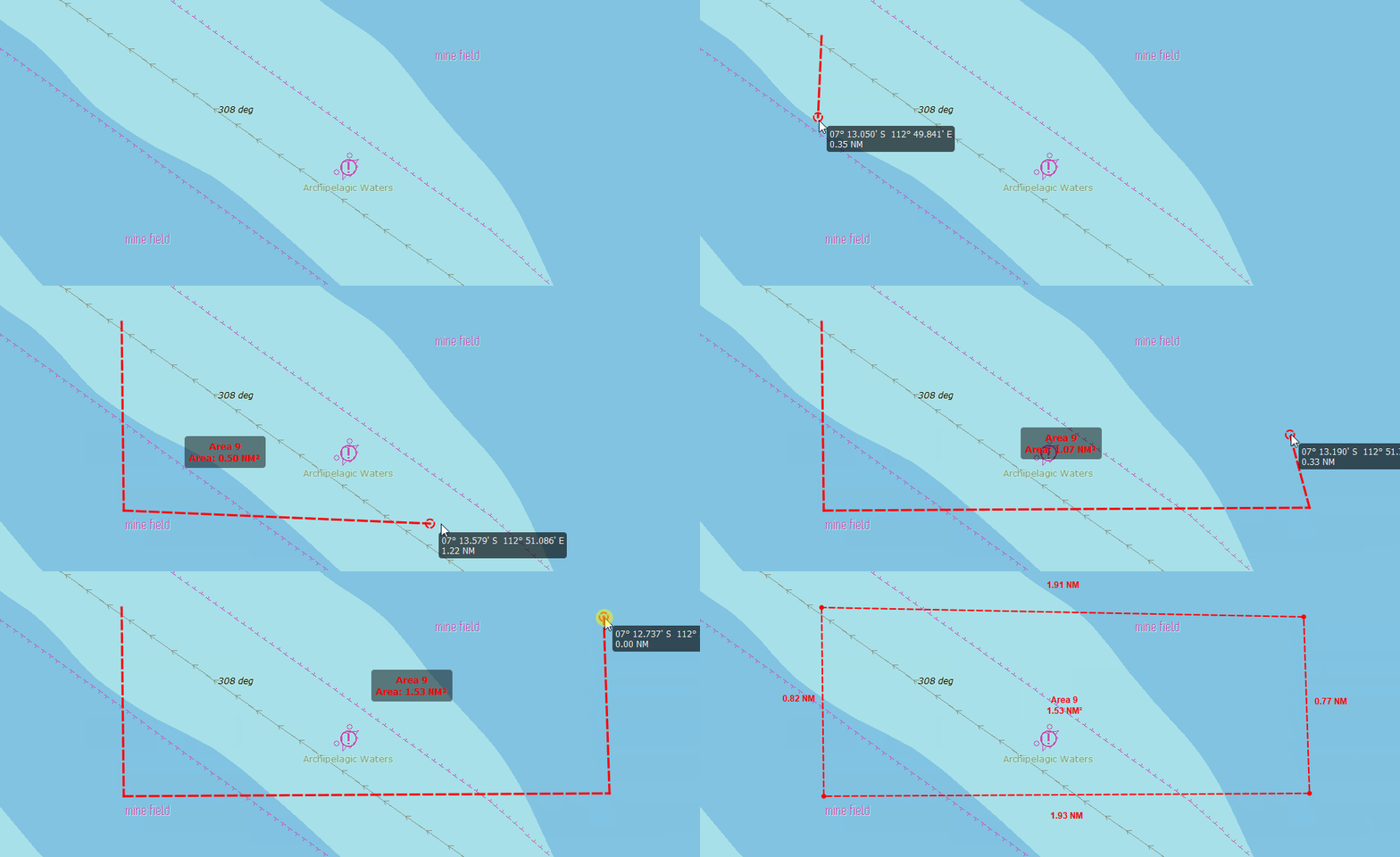
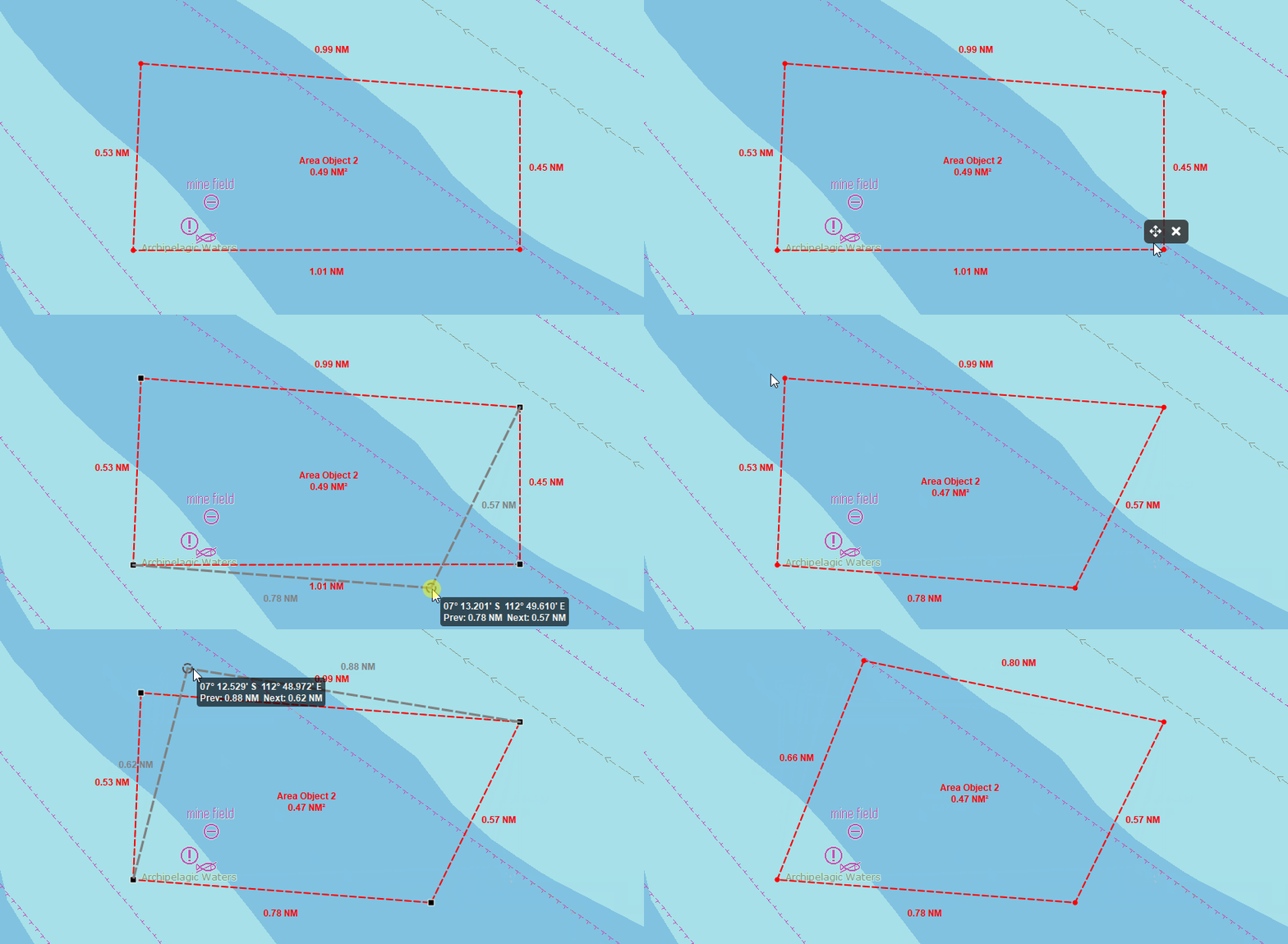
Create Area is an ECDIS function used to draw and define a custom area on the chart for monitoring, alerts, or route planning.
Sample Code
Area::create(){
EcCoordinate lat, lon;
if (XyToLatLon(e->x(), e->y(), lat, lon)) {
aoiVerticesLatLon.append(QPointF(lat, lon));
update();
}
}
Move Area
About
Move Area is an ECDIS function used to move point area on the chart.
Sample Code
Area::move(){
draggedAoiVertex = idx;
aoiVertexDragging = true;
for (const auto& a : aoiList) if (a.id == editingAoiId) {
if (idx >= 0 && idx < a.vertices.size()) {
aoiGhostLat = a.vertices[idx].x();
aoiGhostLon = a.vertices[idx].y();
}
break;
}
}
Remove Area
About
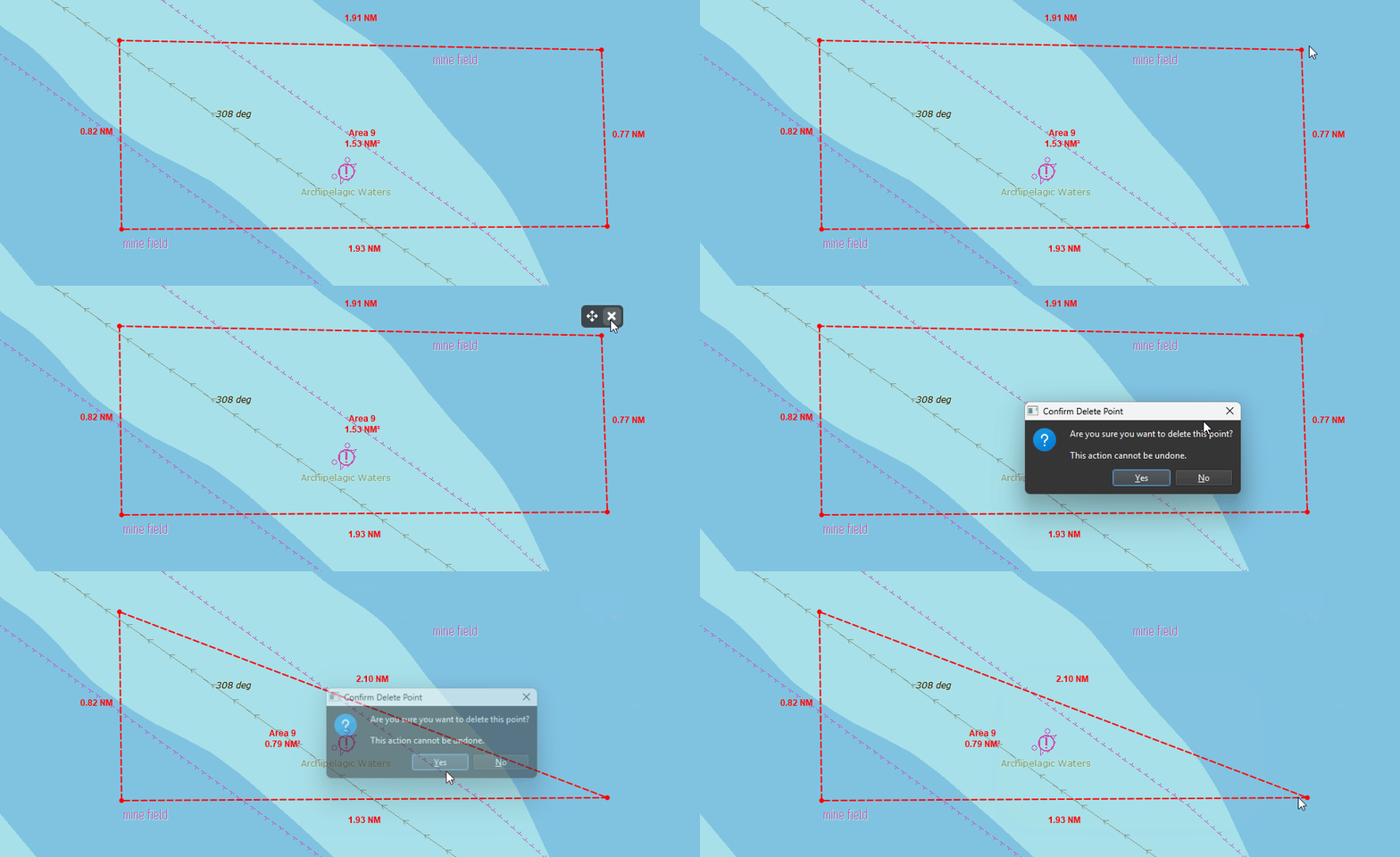
Remove Area is an ECDIS function used to delete a previously created area from the chart.
Sample Code
Area::removeNode(EcCoordinate){
if (chosen == deleteAct) {
removePoi(poi.id);
emit statusMessage(tr(“POI deleted”));
}
}
Create Point
About
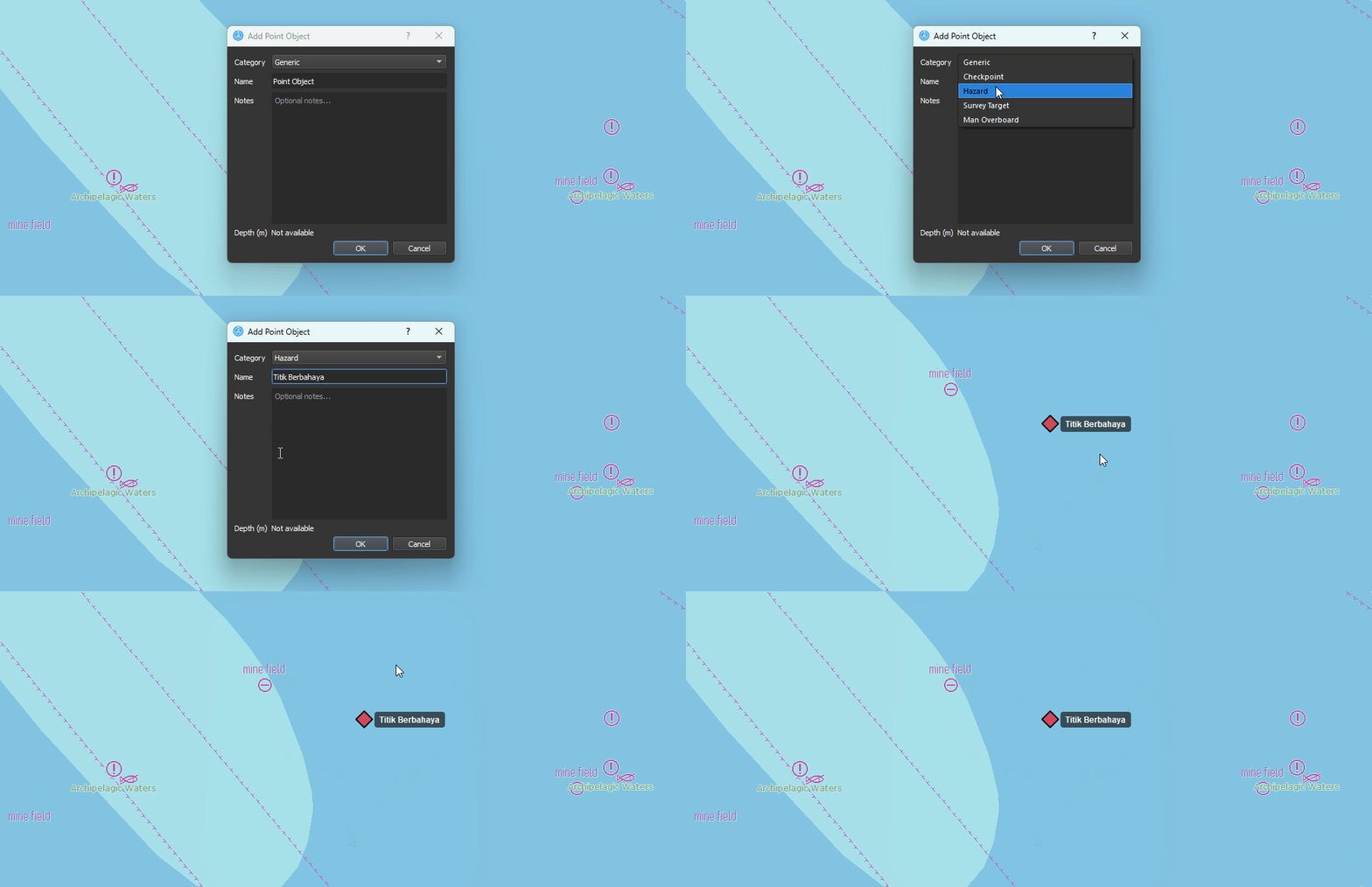
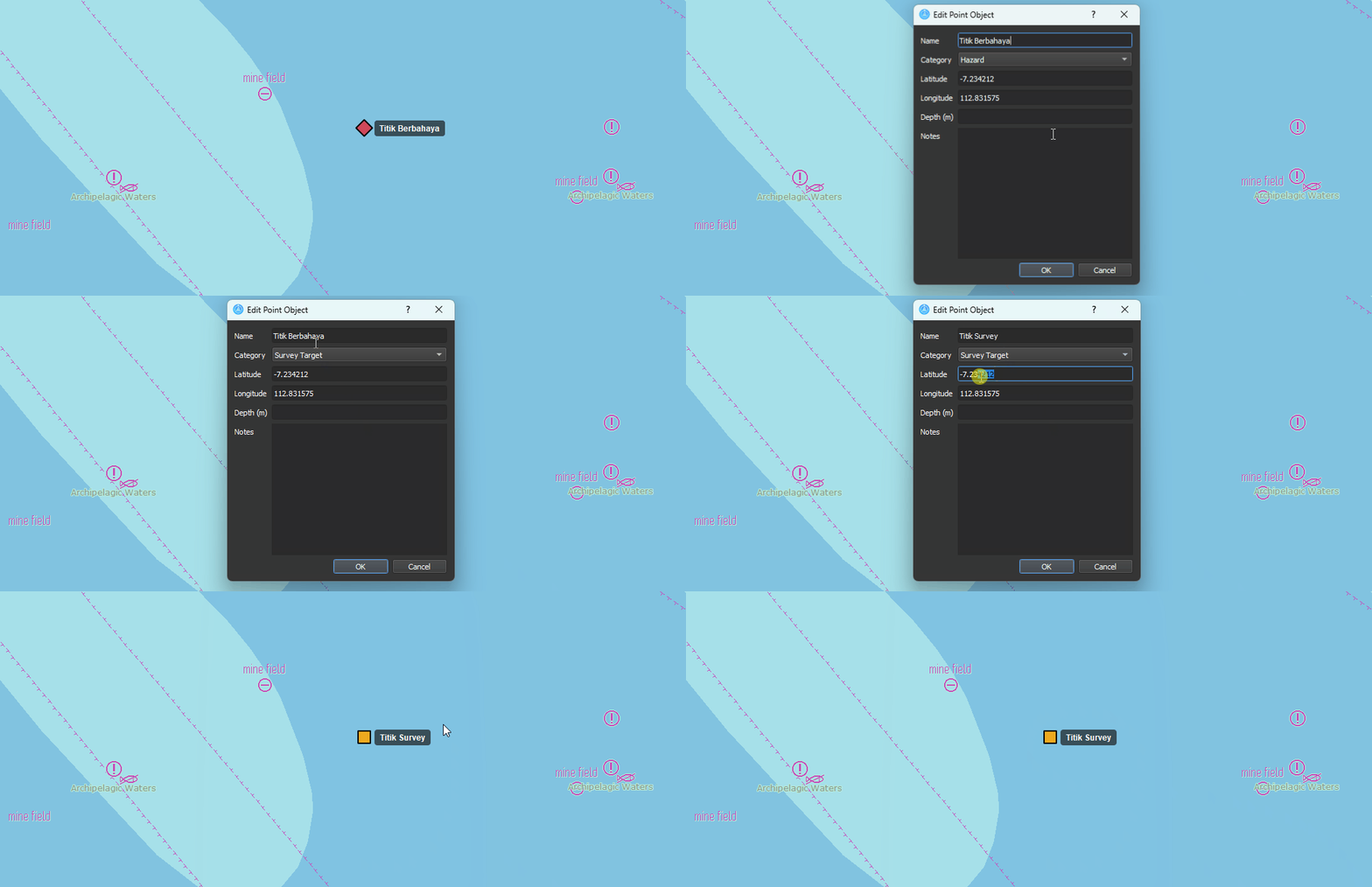
Create Point is an ECDIS function used to place and define a single point on the chart, enable precise position marking for monitoring, alerts, or route planning.
Sample Code
Point::create(){
EcCoordinate lat, lon;
ecchart->XyToLatLon(pos.x(), pos.y(), lat, lon);
PoiEntry poi;
poi.lat = lat;
poi.lon = lon;
ecchart->addPoi(poi);
}
Move Point
About
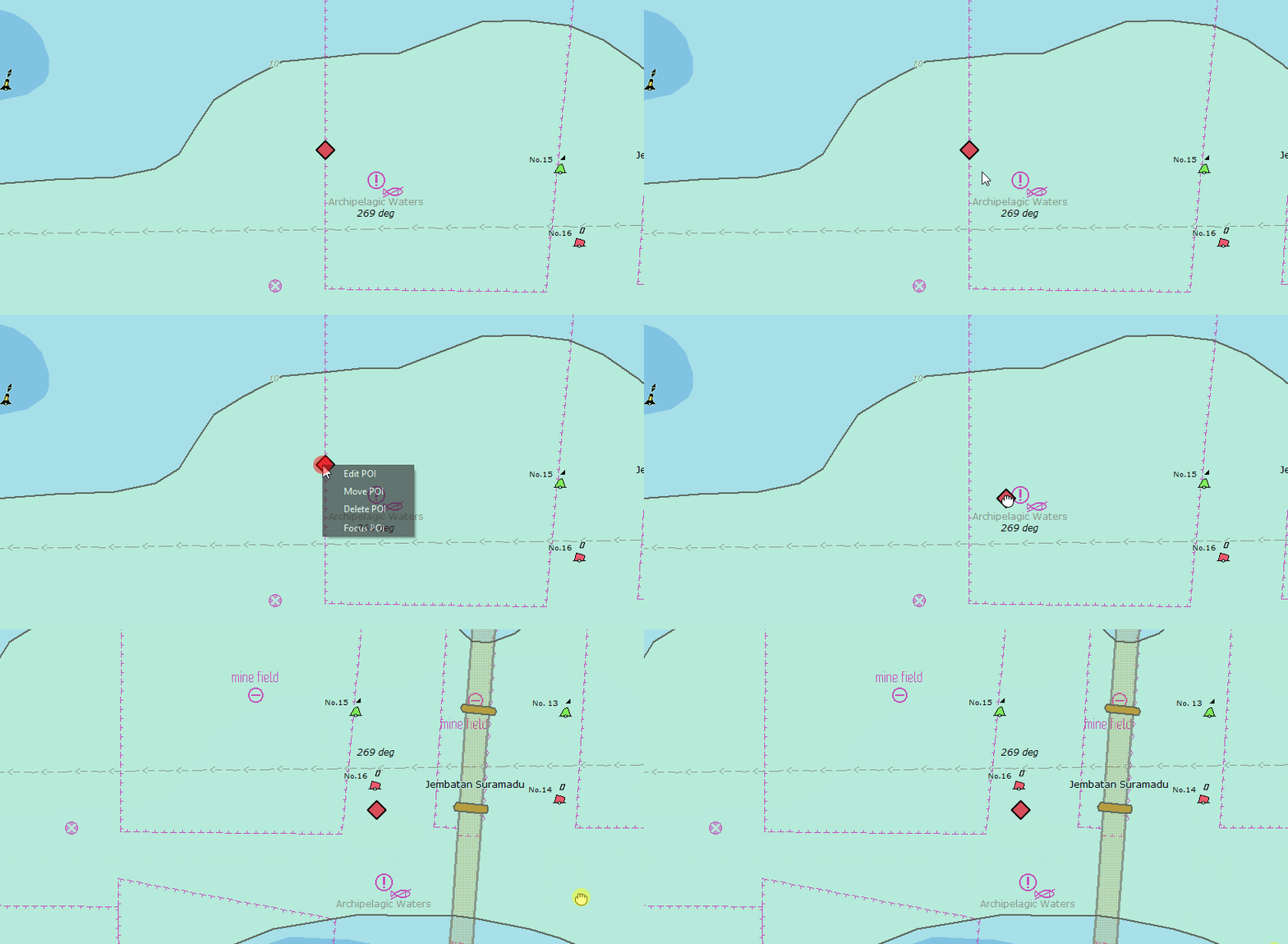
Move Point is an ECDIS function used to move point object on the chart.
Sample Code
Point::move(){
movingPoiId = poi.id;
movingPoiStartPos = QPoint(x, y);
isMovingPoi = true;
emit statusMessage(tr(“Drag to move POI”));
}
Edit Point
About
Edit Point is an ECDIS function used to edit point object on the chart.
Sample Code
Point::edit(){
bool signalHandled = false;
emit editPOIRequested(poi.id, &signalHandled);
}
Remove Point
About
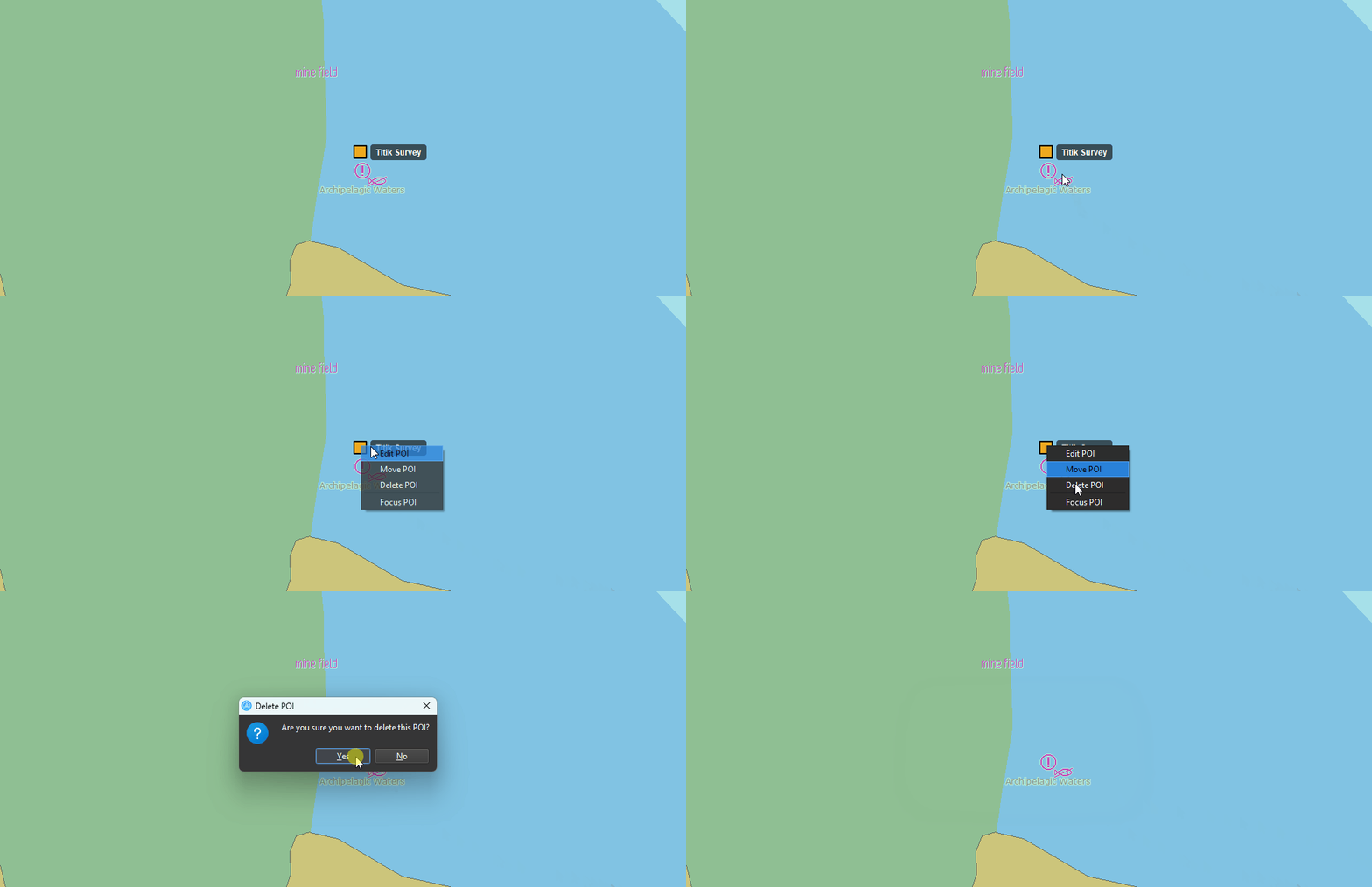
Remove Point is an ECDIS function used to delete a previously created point object from the chart.
Sample Code
Point::remove(PoiEntry poi){
removePoi(poi);
emit statusMessage(tr(“POI deleted”));
}
Create Measure
About
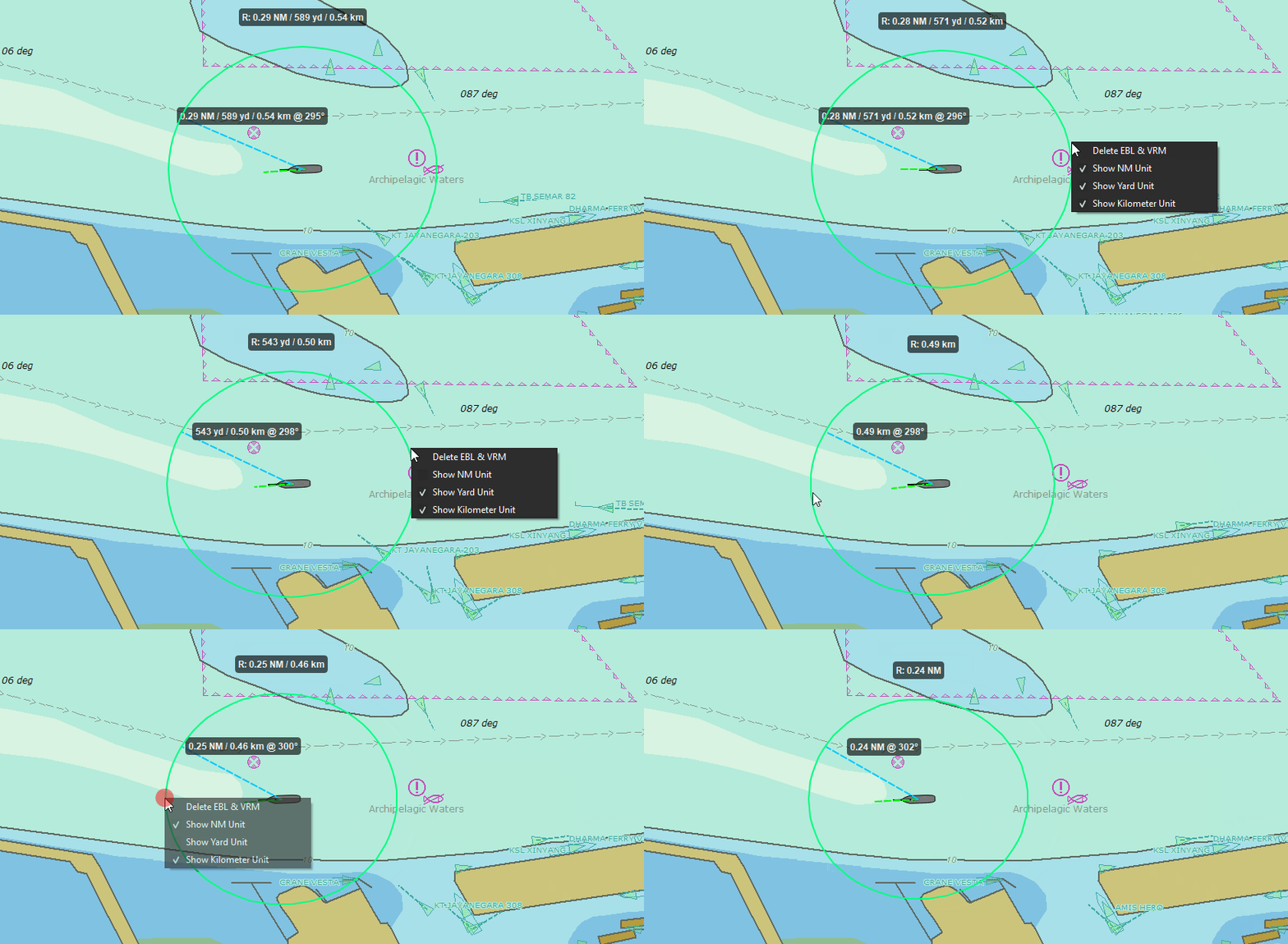
Create Measure is an ECDIS function used to measure distance, bearings, or ranges directly on the chart.
Sample Code
Measurement::create(){
EcCoordinate lat, lon;
if (XyToLatLon(pos.x(), pos.y(), lat, lon)) {
setEblVrmFixedTarget(lat, lon);
}
}
Unit Config
About
Unit Configuration is an ECDIS function used to set and adjust measurement units for distance, depth, speed, and other display values.
Sample Code
Measurement::unitManage(int option){
if (chosen == actNm) {
eblvrm.showNmUnit = actNm->isChecked();
update();
}
else if (chosen == actYd) {
eblvrm.showYardUnit = actYd->isChecked();
update();
}
else if (chosen == actKm) {
eblvrm.showKmUnit = actKm->isChecked();
update();
}
}
Remove Measure
About
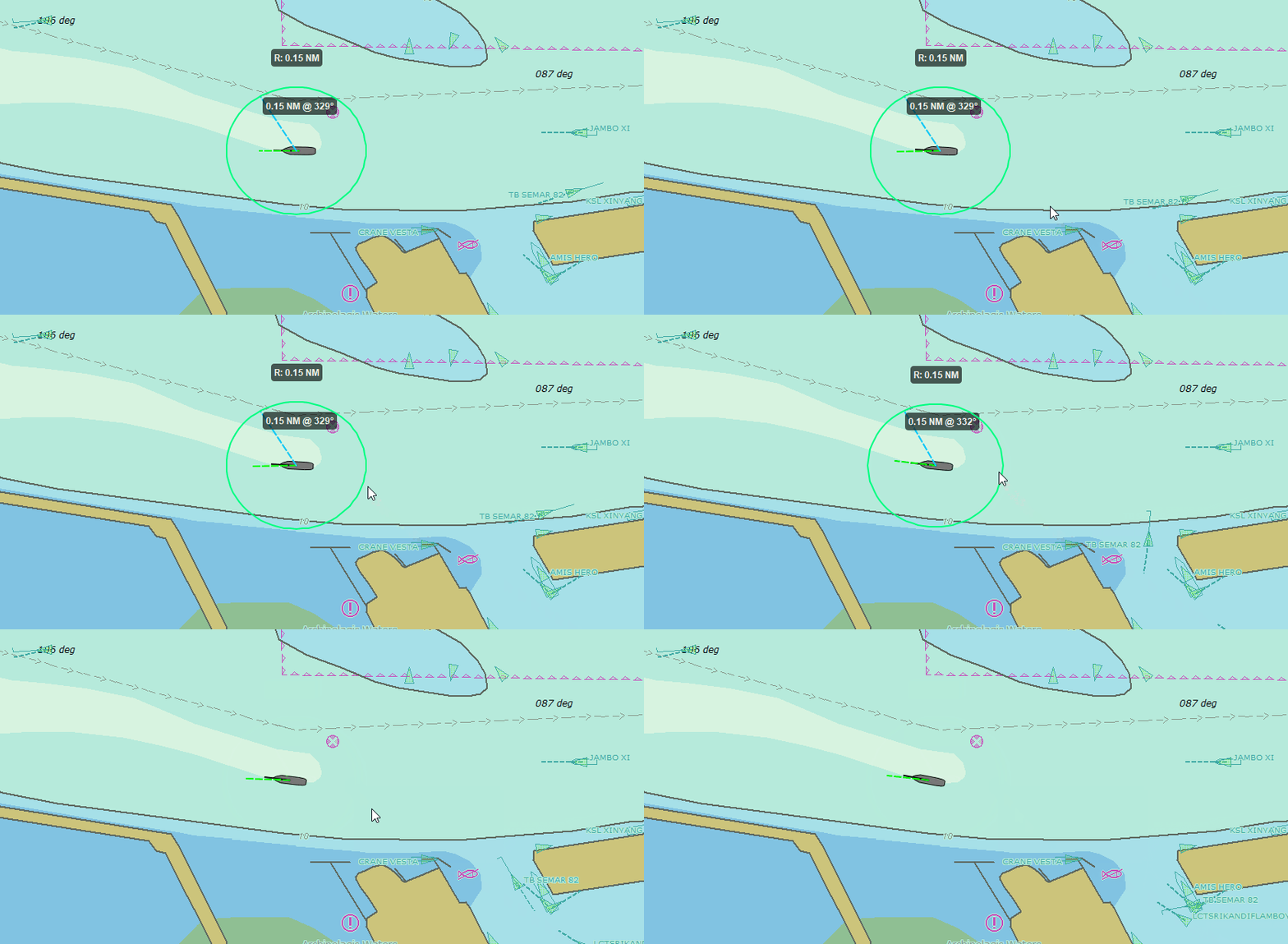
Remove Measure is an ECDIS function used to delete an existing measurement from the chart.
Sample Code
Measurement::remove(EblVrm eblvrm){
eblvrm.clearFixedPoint();
eblvrm.setEblEnabled(false);
eblvrm.setVrmEnabled(false);
eblvrm.setMeasureMode(false);
eblvrm.clearMeasureSession();
update();
}
Draw Ownship
About
Draw Ownship is an ECDIS function used to display the vessel’s current position and heading on the chart.
Sample Code
Ownship::drawOwnShip(ShipStruct ship){
drawShip(ship);
drawOwnshipVector(ship);
if (trailShip){
drawShipTrail(ship);
}
}
Navigation Info
About
Ownship Detail Info is an ECDIS function used to display detailed information about the vessel’s current position, heading, speed, and status.
Sample Code
Ownship::navInfo(ShipStruct ship){
ShipInfo info = extractShipInfo(ship);
ownshipNav->setText(info);
update();
}
Compass
About
Compass is an ECDIS display element that shows the vessel’s heading and directional reference.
Sample Code
Ownship::compass(QPaintEvent){
QPainter p(this);
drawCompass();
p.save();
p.translate(center);
p.rotate(heading);
p.restore();
}
AIS Target
About
Draw AIS Target is an ECDIS function used to display AIS targets on the chart, showing vessel positions and related information.
Sample Code
Ais::readAisVariable(String nmea){
EcAISAddTransponderOutput( _transponder)
drawAIS();
update();
}
AIS Detail
About
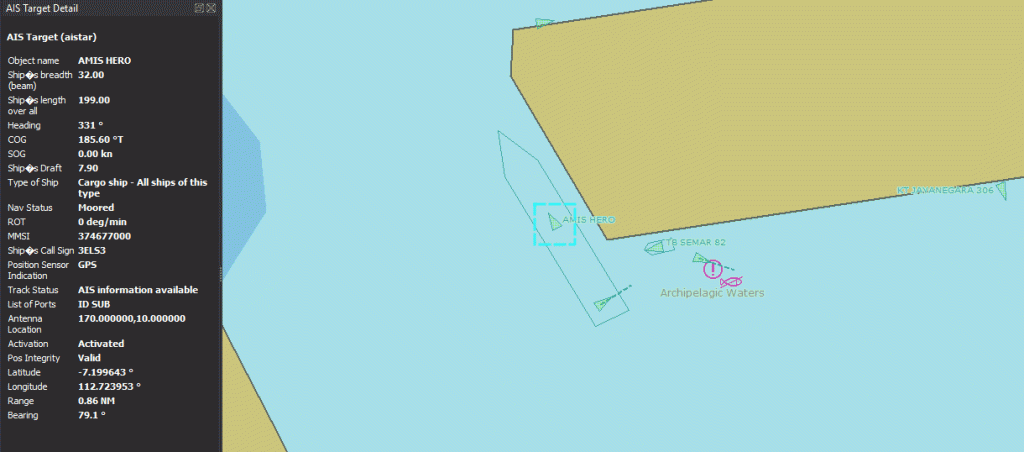
Get AIS Detail Data is an ECDIS function used to view detailed information from an AIS target, such as vessel name, MMSI, course, speed, and status.
Sample Code
Ais::pickAisDetailData(String mmsi){
PickWindow pickInfo;
pickinfo->aisTarget();
aisDetailText->setText();
}